 DigiUsher Documentation
About DigiUsher
What DigiUsher does, how it reads your data, and where to start.
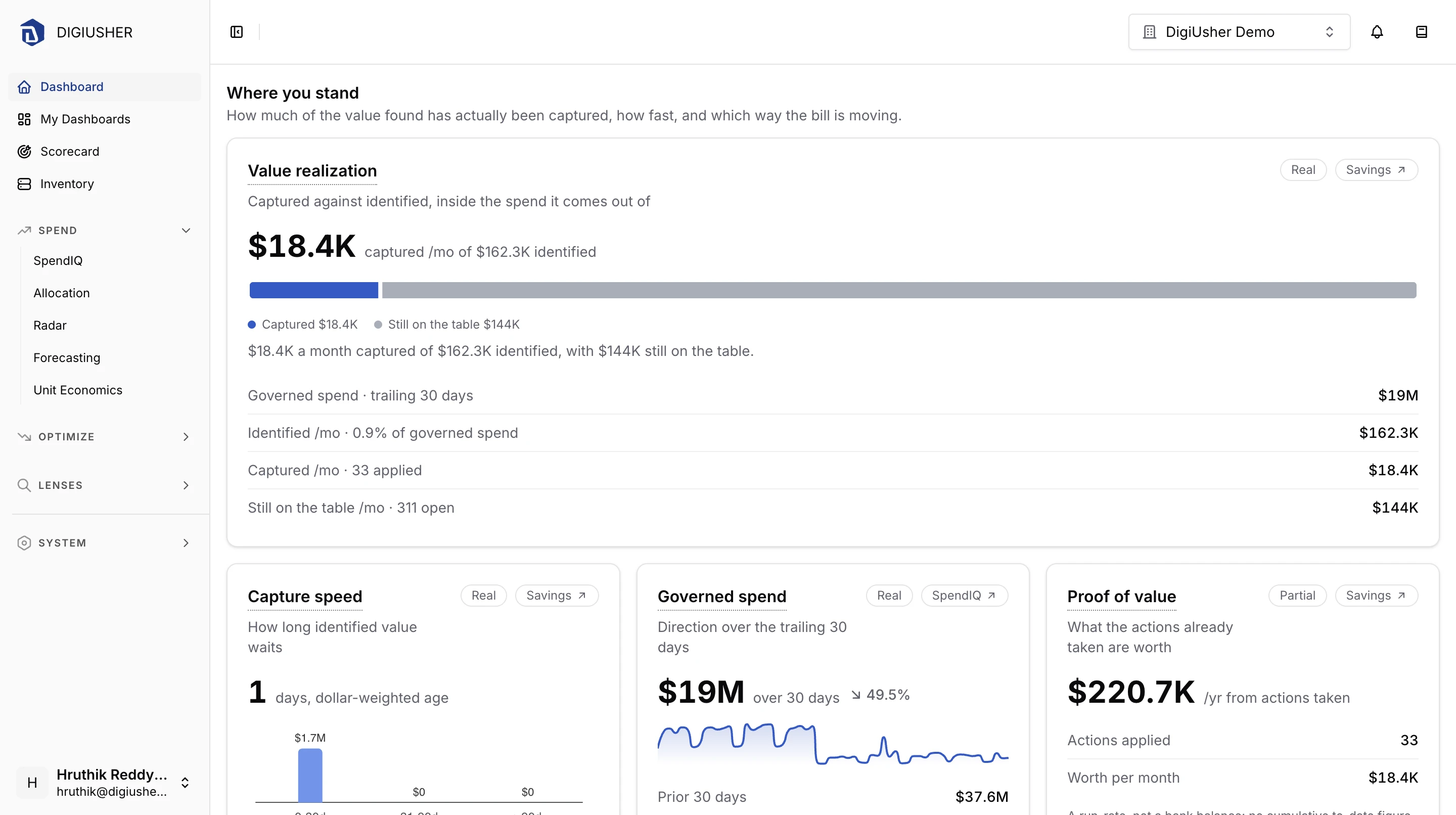
DigiUsher is a Technology Value Realization platform. It shows what your AI, cloud, and data spend costs, and what that spend produces.
DigiUsher extends FinOps beyond the public cloud. FinOps is the practice where finance teams and engineering teams manage technology spend together. Every cost record lands in the open FOCUS schema at ingestion. FOCUS is the FinOps Open Cost and Usage Specification. One schema covers cloud, AI, data platforms, Kubernetes, and SaaS spend, so you can compare and allocate all of it in one place.
Cost domains
| Domain | Sources you can connect |
|---|---|
| Cloud | AWS, Azure, GCP, OCI, Alibaba Cloud |
| AI | Anthropic, OpenAI Platform, ChatGPT Enterprise, Claude.ai Enterprise, Cursor |
| Data Cloud | Databricks, Snowflake |
| Kubernetes | Any cluster that runs the DigiUsher agent |
| SaaS and any other | Google Workspace, GitHub, Cloudflare, Redis Cloud, any FOCUS export |
The questions DigiUsher answers
| Question | Where to look |
|---|---|
| Is this number right and complete? | SpendIQ breaks spend down by service, account, region, and tag. Inventory lists every resource with its cost and utilization. |
| Whose money is this? | Allocation Hub defines the dimensions, rules, and pools. Allocation shows the chargeback and showback result. |
| What did we get for it? | Unit Economics ties spend to your own business metrics. |
| What will it cost? | Forecasting projects month-end, 30-day, and 90-day spend for each pool. |
| Where is the waste? | Savings lists rightsizing, idle-resource, and modernization recommendations. The Kubernetes lens splits cluster cost into used and idle, and recommends CPU and memory requests. |
| What changed? | Radar flags cost spikes, pattern deviations, and unexpected resources as they appear. |
My Dashboards combines these views into widgets and role-based consoles. The MCP Server opens the same data to AI assistants such as Claude, Cursor, and ChatGPT.
How DigiUsher reads your data
Every connector is read-only. DigiUsher never changes your infrastructure. The Permissions Reference lists what each connector needs.
DigiUsher reads three kinds of data:
- Billing data: cost and usage exports such as AWS CUR, Azure FOCUS exports, GCP billing tables, and provider billing APIs.
- Resource state: metadata for the resource types DigiUsher can discover. Inventory and the recommendation engine use it.
- Monitoring data: utilization metrics. DigiUsher uses them to find idle and oversized resources.
Deployment
- SaaS: DigiUsher hosts the platform at app.digiusher.com.
- Dedicated instance: a single-tenant deployment in the region you choose.
- BYOC (Bring Your Own Cloud): the whole platform, control plane included, runs in your own AWS, Azure, GCP, OCI, or data center account. No cost, usage, telemetry, or workload data leaves your infrastructure.
DigiUsher is SOC 2 Type II certified and GDPR compliant. See the Trust Center for details.
Connect a data source
Cloud
- Connecting an AWS account
- Connecting an Azure account
- Connecting a GCP account
- Connecting an OCI account
- Connecting an Alibaba Cloud account
AI
- Connecting an Anthropic account
- Connecting an OpenAI Platform organization
- Connecting a ChatGPT Enterprise or Edu account
- Connecting a Claude.ai account
- Connecting a Cursor account
Data Cloud
Kubernetes
SaaS and any other
- Connecting Google Workspace
- Connecting a GitHub organization
- Connecting a Cloudflare account
- Connecting a Redis Cloud account
- Connecting a FOCUS data source
Single Sign-On
Support
If you find an error in this documentation, write to support@digiusher.com.